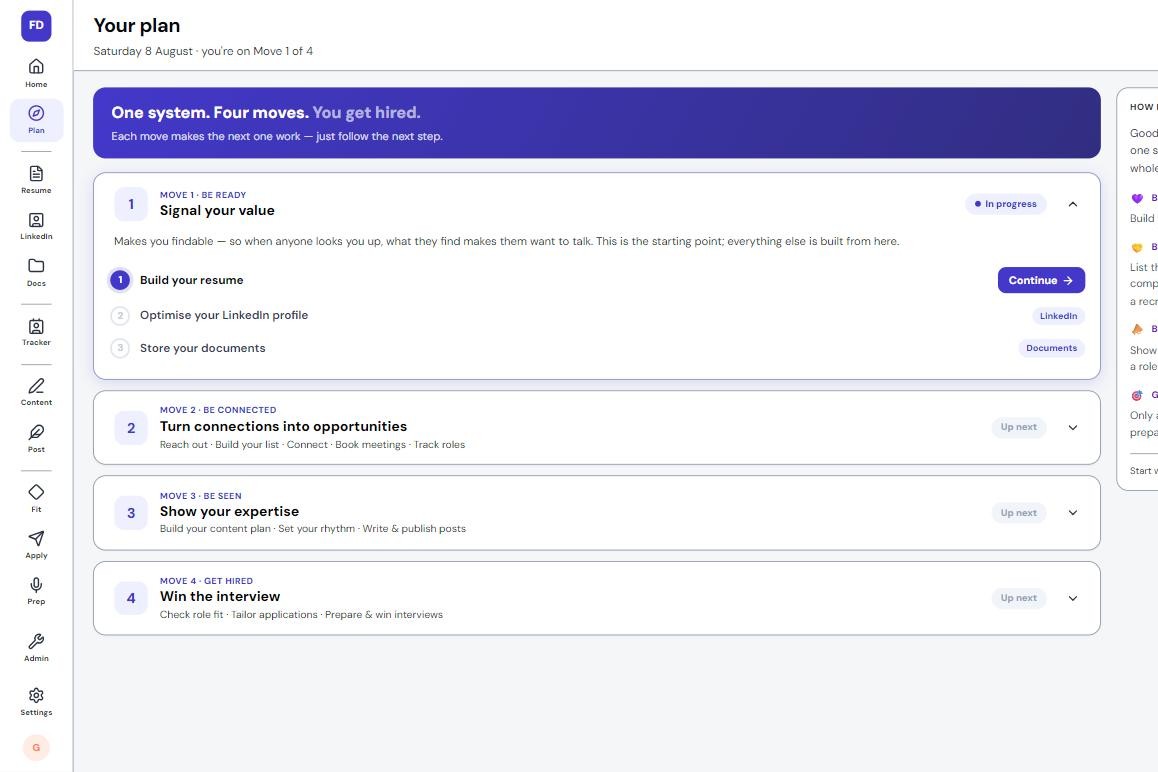
A resume that's properly done without spending weeks learning how, and one you send with confidence, because every line is checked against a written standard. The Resume Builder gives you one base resume that everything else in FutureDay is built from. Upload yours for a full Resume check, or start from scratch. Every weak line is flagged with the reason, and you pick a better version, fill in your own numbers, or keep yours.
For most experienced professionals the career is not the problem. The page is. Real results get written up as duties, the work reads smaller than it was, and every update costs another weekend with a blank document. The Resume Builder is built to end both: one resume that shows who you are at work, made once and kept.
Why is my resume not getting interviews?
Usually because it describes the job, not the person who did it. A resume written from memory lists what you were responsible for, in roughly the order it happened. "Responsible for managing key accounts" tells a reader what the role was called and nothing about whether you were good at it. Ladders' eye-tracking study found recruiters spend an average of 7.4 seconds on a first pass, and in 7.4 seconds a list of duties looks like every other list of duties.
What does a duty-list resume cost you?
The cost is quiet, which is what makes it expensive. Nobody writes back to say your resume undersold you; the interview simply goes to someone whose page made the case faster. It costs time too, because a resume that is nearly right gets rewritten from memory before every application that matters.
Further into a career, a year count in the summary or a graduation year on show has the reader doing the maths before they reach what you did.
Why can't you see your own resume's weak spots?
Because you lived them. You know what an achievement took, so you assume the reader does too, and undersell it. The number that would make a line land is usually the first thing forgotten, because hardly anyone writes a win down the week it happens. And the standard is hard to hold alone: a scope line that slips in a result, a summary that could be anyone's, bullets that open with "Helped" or "Responsible for". Checking every line against rules you have to learn first is slow.
How does the FutureDay Resume Builder work?
The screen is called Base Resume, "the one resume everything else is built from". It opens on your level, from just starting out to senior or leadership, and your field, one of eleven from Sales and Finance to Legal & Risk and Engineering, so the examples on screen speak your trade. Then one question, "What job do you want next?", which you can type or say. Everything the builder writes is pointed at your answer.
Next you choose a door. "I have a resume", marked 5 to 10 minutes, takes a PDF, Word, .txt or .md file, or pasted text. It is read in your browser and only the words are sent. Pulling out your roles, dates and education usually takes about twenty seconds, and a good read goes straight to your Resume check. "Start from scratch", marked 20 to 30 minutes, guides you through it section by section.
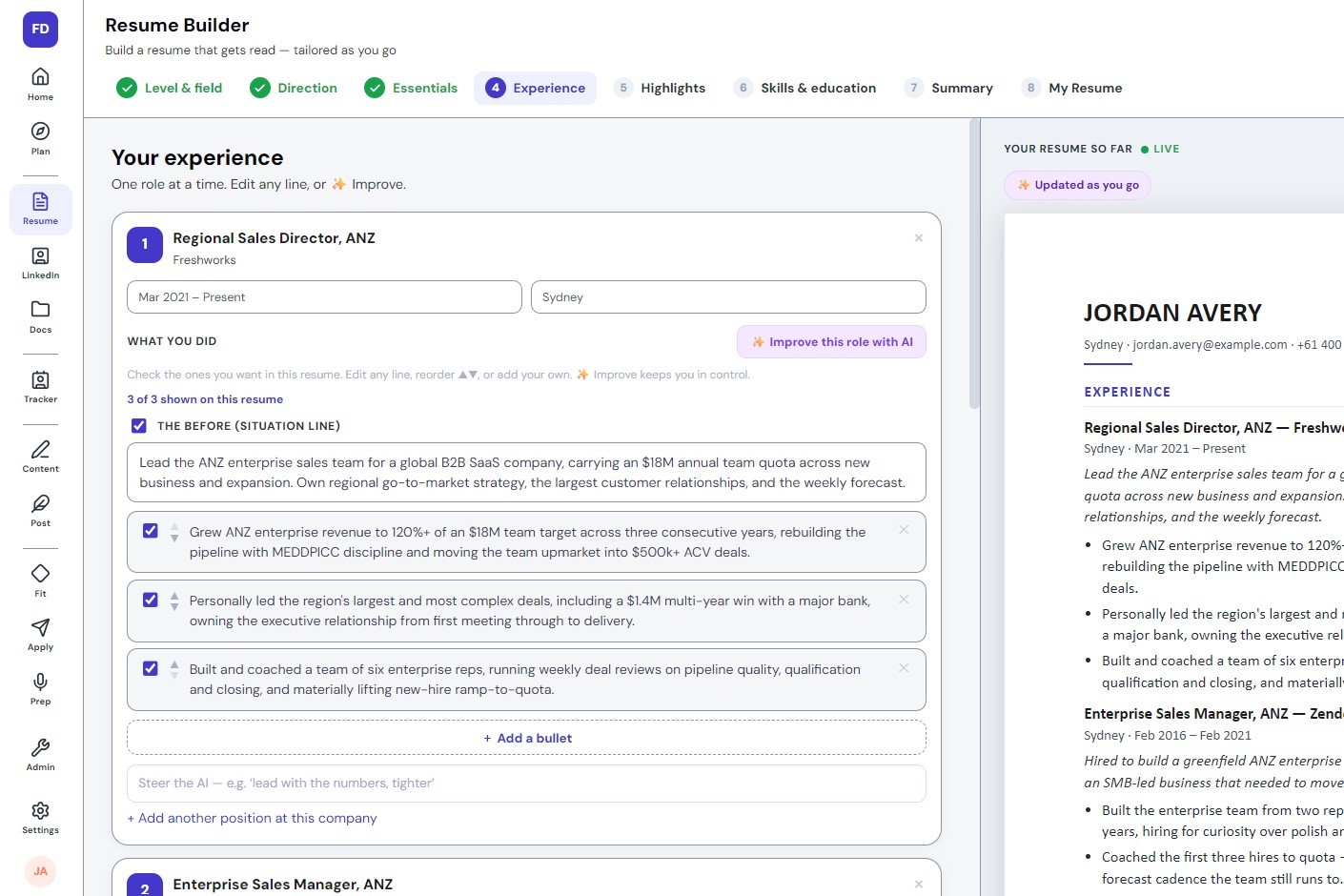
The eight steps are Basics, Direction, Contact, Experience, Highlights, Skills, Summary and Review. Each job is one card, its lines under two headings: Scope line, "the remit and scale you walked into", and What changed, "what moved, from what to what". Highlights can be drafted from your experience, one per role, and you keep the ones you want. It saves as you type, and a live preview builds the real pages beside you, or behind "See the page" on a phone.
What does the Resume check show?
Where your resume stands, not a number. The Resume check sits at the top of every step from Contact on and names one of five stages: Just getting started, Some work to do, Getting there, Ready to send and Interview-ready. A bar fills within the stage as you fix, so every fix shows. Two readers decide it: rules that check each line against FutureDay's written standard, and a read of the whole page as a recruiter who has never met you would take it. Ready to send means it clears the standard.
Under the stage sits "What a cold reader sees": who the page says you are, and at what level. If that reader cannot see the direction you named, a card says so. Then comes a card for each part of the resume and one for each job, with a green edge where it works and an orange one, with "Fix it", where it does not.
Every line on Experience, Highlights and Summary carries the same help. A flagged line offers "Fix it", an empty one "Write it for me", and one that already passes "Try another version". Each opens "Pick a version": up to four ways the line could read, each in a named shape, such as action first. No version carries a figure that is not already on your resume. Where a number belongs, it leaves a blank, [X], and Add stays off until you fill it, even roughly. Or choose "Keep mine as it is", and your line stays, still flagged.
Before: "Responsible for managing enterprise accounts and growing revenue through quarterly reviews." Flagged: it describes being near the work, not owning it.
A version to pick: "Grew enterprise account revenue [X]% through quarterly account reviews."
After, with your own figure: "Grew enterprise account revenue 18% through quarterly account reviews."
For senior resumes it also looks for what dates a page. A year count of fifteen or more in your headline or summary is flagged, because readers do the maths before they reach your value, and so is a graduation year on show. As the Resume check screen says, "nothing gets changed without you seeing it first".
What happens to your resume once it's built?
Review is where it becomes a document. You choose the layout (Emerging, Established, Executive or Custom) and the paper size (A4 or US Letter), tick highlights, jobs, bullets and education in or out, and put highlights and bullets in order. A counter shows the length against best practice at your level: one page starting out, 1 to 2 pages once established, 2 to 3 for senior roles. Nothing you leave out is deleted; it waits for the next version.
The download is a single-column Word file (.docx), and "Save this version" keeps a named copy in Documents.
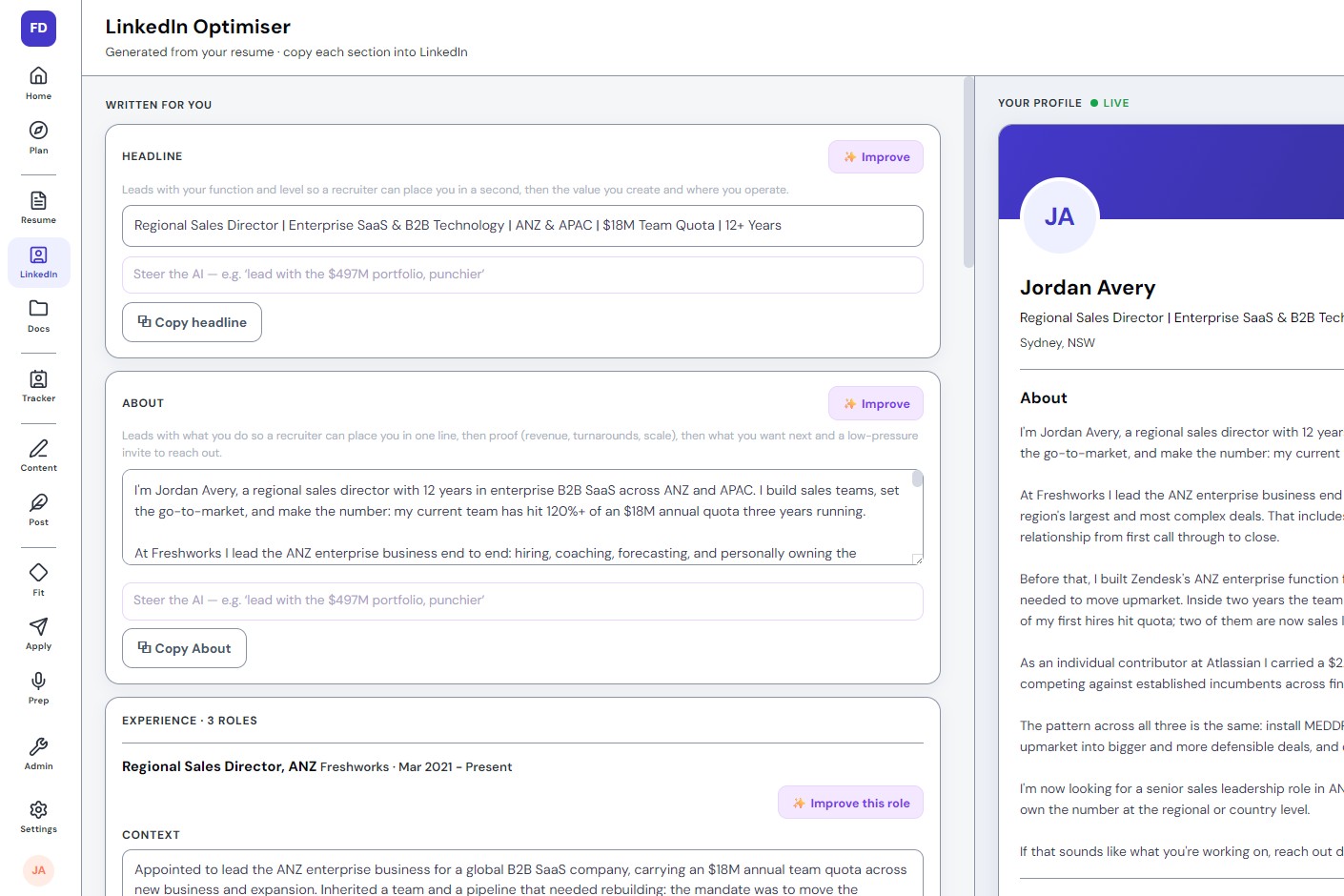
The rest of FutureDay works from the same resume. The LinkedIn Optimiser carries your jobs across word for word, so profile and resume tell the same story, and the Job Fit Check, the Tailored Resume and Interview Prep read it straight from the builder.
Most resumes undersell experienced people by listing duties, not what changed.
Upload the resume you have (5 to 10 minutes) or start from scratch (20 to 30).
The Resume check measures it against a written standard and shows where it stands and what to fix.
You redo weak lines by picking from versions, with blanks for the numbers only you know.
Review turns it into a Word file, and the rest of FutureDay works from it.