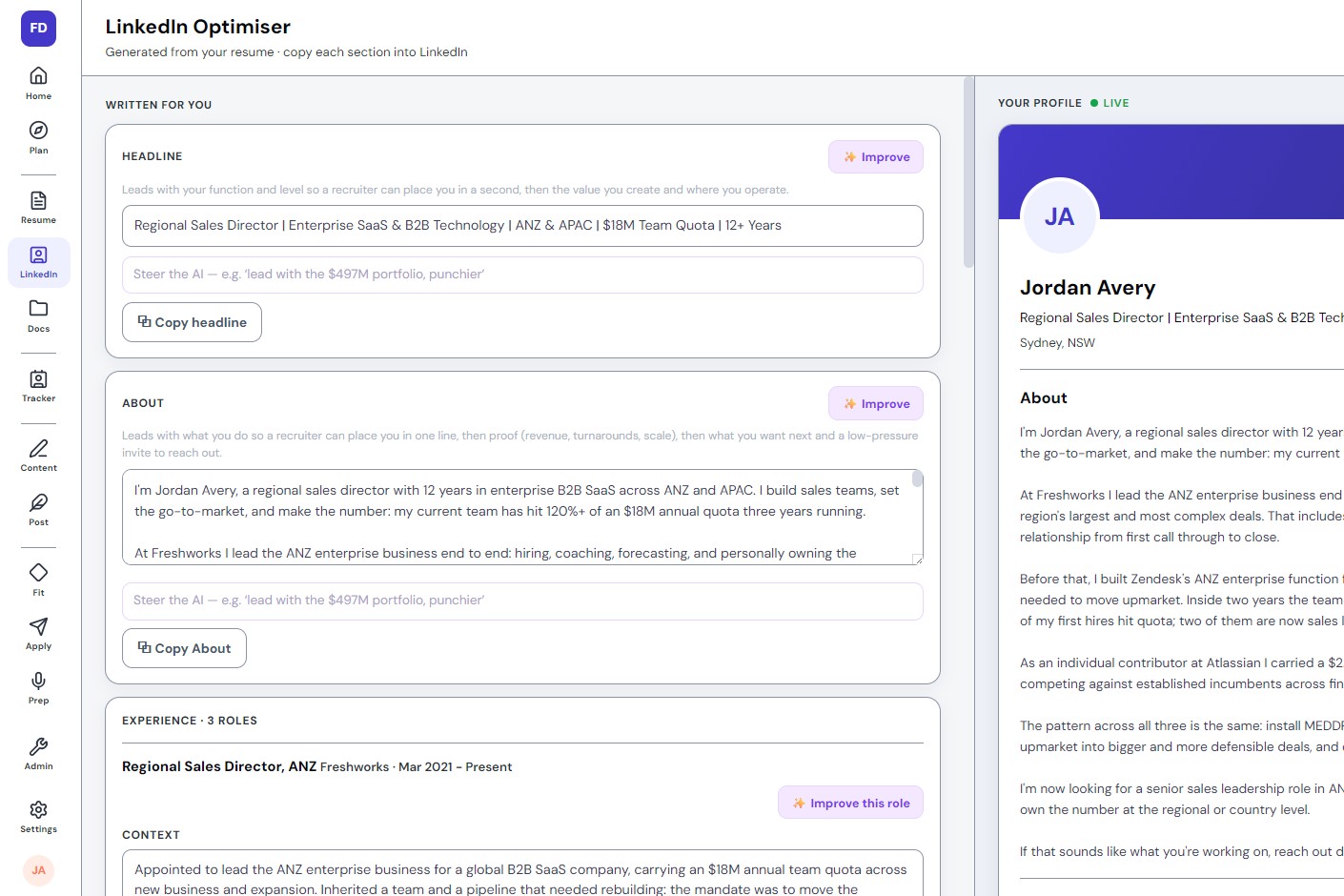
LinkedIn's technical headline limit is 220 characters, but only about 30 actually display before truncation, in search results, comments, connection requests and DMs. Those 30 characters are doing almost all the work a headline can do, so they need to carry a target role, a specialism, and a credibility signal, not adjectives like "passionate" or "results-driven."
Most people write their headline to fill the box, then never think about it again. The box holds 220 characters, so that's roughly how much gets written. The problem is that almost nobody ever sees all 220. What actually gets read is a fraction of that, and most headlines spend it on the wrong things entirely.
Why doesn't the 220-character limit matter?
Because it isn't the number that governs how a headline actually gets read. LinkedIn displays roughly the first 30 characters before truncating the rest with an ellipsis, and that number holds steady across the handful of places a headline actually appears. A headline optimized for the full 220 is a headline optimized for a view almost nobody gets.
This isn't a quirk worth fighting. Interfaces truncate long text everywhere, not just on LinkedIn, because a results page or a notification card only has so much horizontal room, and the fix is never to argue with the interface. It's to write for the space that's actually visible and treat the rest as a bonus for anyone who reads further, rather than building the whole argument around characters most readers will never see.
Where does the truncation actually bite?
In every place that matters more than the profile page itself. Search results show the truncated version. So do comments on other people's posts, connection request previews, and the preview that appears above a direct message before it's even opened. On mobile, where a large share of casual scrolling and searching happens, the cutoff arrives even sooner than on desktop, sometimes closer to twenty-five characters than thirty.
A recruiter scanning forty search results in an afternoon is reading thirty characters per profile, not two hundred and twenty, and making a keep-or-skip decision on that alone before ever opening a single profile page. Whatever isn't in that first slice may as well not exist for the decision being made in that moment. The full headline still exists, and it still gets read by anyone who does click through, but click-through is exactly the outcome the truncated version needs to earn first.
What should the first 30 characters actually say?
Three things, in order of priority. First, the target role, the job title as a recruiter would actually search for it, not an internal or invented title nobody types into a search bar. Second, the industry or function that narrows it, so the headline isn't competing with every person who's ever held that title anywhere. Third, if there's room, one short credibility signal, a number or a scope that makes the claim concrete rather than generic.
Before: "Finance Director | Strategic Thinker | Passionate About Numbers"
After: "VP Finance | SaaS Scale-Ups | Led 2 Funding Rounds, Series A to C"
The first version spends its visible characters on a self-description that could sit on thousands of other profiles unchanged. The second names the target level, the specific sector, and a credential a hiring manager can picture immediately, all inside the same truncation window.
What should those 30 characters never be spent on?
A handful of things reliably waste the space that matters most. The current employer's name, unless it's genuinely a recognizable brand that adds credibility on its own; naming an unfamiliar company just spends characters on information that means nothing to a stranger. An internal job title nobody outside the company would ever search for, since a recruiter searches the market-standard version of a role, not whatever a previous employer happened to call it internally. The phrase "seeking new opportunities," which tells a reader nothing about what those opportunities actually are and reads as filler in a slot with no room for filler. Self-descriptive adjectives, since "passionate," "dedicated" and "dynamic" add characters and remove meaning at the same time, they could describe anyone and therefore describe no one in particular. And naming five or six possible target roles at once, which usually signals uncertainty rather than range, and forces a reader to do the narrowing work the headline was supposed to do for them.
None of this means the rest of the 220 characters is wasted. It's still worth using, for anyone who does click through or scroll past the truncation point, to add a second credibility line or a scope detail that didn't fit up front. It just isn't where the headline's actual job gets done. That happens in the first thirty, every time, whether the person writing it realizes it or not.
The technical headline limit is 220 characters. The number that actually matters is closer to 30, the point where LinkedIn truncates the headline in search, comments, connection requests and DMs.
Those 30 characters should carry, in order: the target role as a recruiter would search for it, the industry or function that narrows it, and one short credibility signal if there's room.
Avoid spending them on the current employer's name, internal titles, "seeking new opportunities," self-descriptive adjectives, or naming too many target roles at once.
The rest of the 220 characters still matters for anyone who scrolls past the truncation point, but the first 30 decide whether they ever do.